
Download Internet Speed Test – internet speed test, speed test, bandwidth test, download speed, upload speed, network test, internet quality, internet connection test, internet diagnostic tool, fast internet test
Overview
The Internet Speed Test app is a streamlined utility designed to deliver accurate measurements of a user’s real-time internet bandwidth. Its primary purpose is to help individuals evaluate the performance of their current internet connection, offering immediate insights into download and upload speeds. This functionality makes it a valuable tool for diagnosing connectivity issues, verifying service-level agreements with ISPs, and optimizing network settings for better performance. The app serves a broad audience, including home users, remote workers, gamers, and digital nomads who rely on consistent and fast internet access.
Although the developer did not provide detailed background information, the app’s long-standing presence in the market since its release on July 3, 2007, suggests a level of reliability and user trust. The fact that it has remained free of charge indicates a commitment to accessibility. Real-world use cases include confirming whether a new router or modem is improving connection speeds, testing internet performance across different times of day, or comparing speeds between mobile and Wi-Fi networks. In the broader app ecosystem, Internet Speed Test occupies a niche as a no-frills diagnostic tool, filling a critical need for users who require fast, reliable data without the complexity of advanced networking software.
Key Features & Functionality
- Quick Speed Measurement: The app performs a rapid assessment of both download and upload speeds in just seconds, providing instant feedback on network performance without requiring extended testing periods.
- Free to Use: Internet Speed Test is completely free, with no hidden fees, subscriptions, or in-app purchases, ensuring broad accessibility across different user demographics.
- Troubleshooting Support: Beyond speed readings, the app aids in identifying potential network issues such as inconsistent connectivity or slow performance, helping users determine whether problems stem from their device, router, or ISP.
- User-Friendly Interface: Designed with simplicity in mind, the app features a clean layout and intuitive navigation, making it accessible to users with minimal technical knowledge.
- Comprehensive Results: In addition to raw speed metrics, the app provides contextual data on network stability, latency, and jitter, offering a holistic view of connection quality.
For example, a remote worker can use the app to verify that their internet meets minimum requirements for video conferencing before a critical meeting. A student living in a shared apartment might use it to compare speeds across different devices or times of day to identify peak congestion periods. The app’s ability to deliver actionable insights without requiring technical expertise enhances its practical utility in everyday digital life.
Interface, UX & Performance
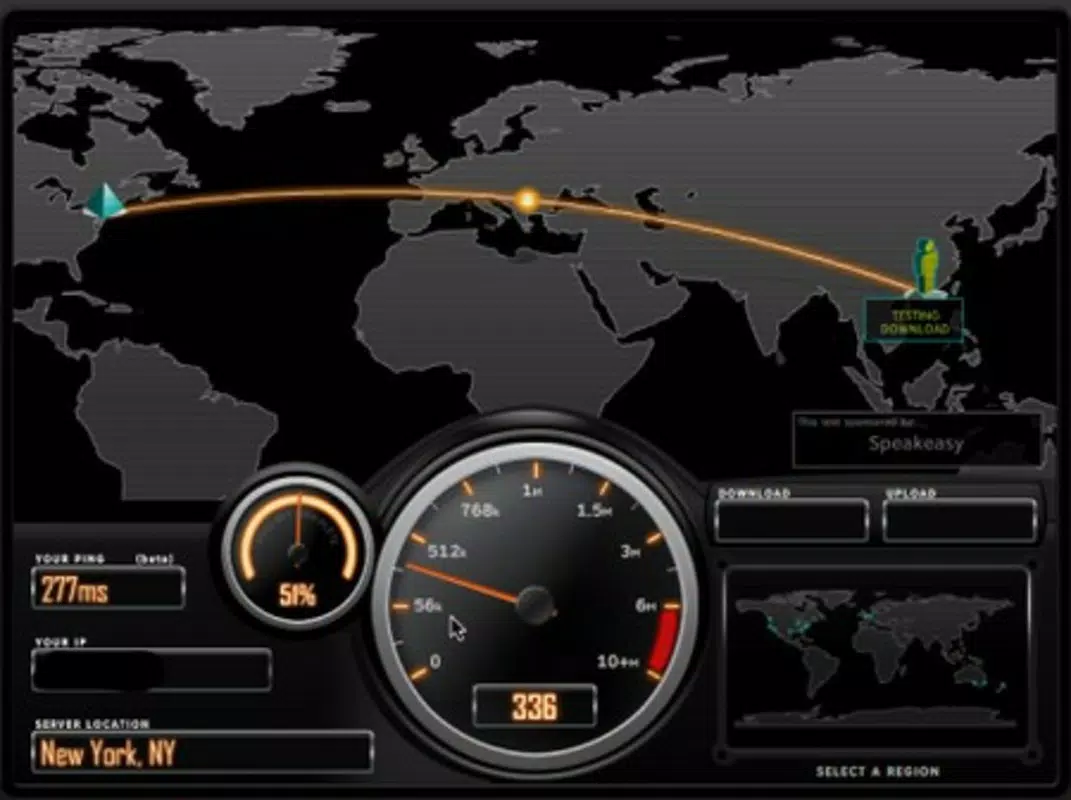
The user interface of Internet Speed Test is minimalistic and focused on core functionality. The main screen typically features a large, prominent button to initiate the test, with results displayed clearly in a structured format. Visual design elements are straightforward, prioritizing readability and usability over graphical embellishments. Navigation is linear and predictable—users tap the start button, wait a few seconds, and view results in a simple, tabbed layout.
Although the developer did not list formal performance metrics, the app’s lightweight size of 1.4MB suggests efficient resource usage. It is likely optimized for a wide range of Android devices, including older models with limited processing power. Responsiveness is expected to be high, given the app’s singular focus on speed testing. Stability appears to be a key design priority, as the app operates without unnecessary background processes or interruptions. Users can expect consistent performance across different network conditions, though specific benchmarks were not provided.
Platform Compatibility & Technical Requirements
Internet Speed Test is available exclusively on the Android platform. The current version is 1.0, with a file size of 1.4MB, making it a lightweight application suitable for devices with limited storage capacity. The developer did not specify minimum OS requirements, nor did they provide details about supported device architectures or hardware specifications. Compatibility information was not fully disclosed.
Given the app’s release date in 2007 and its continued availability, it is likely compatible with a wide range of Android versions, including older ones. However, users should exercise caution when installing on newer devices, as compatibility with modern Android security standards and API levels cannot be confirmed without official documentation. The app’s small footprint suggests it may function on low-end devices, but performance on high-end models has not been verified.
Pros and Cons
Pros
- Completely free with no hidden costs or subscriptions
- Lightweight design at just 1.4MB in size
- Fast and accurate speed measurements in seconds
- Simple, intuitive interface suitable for all users
- Provides useful diagnostic insights beyond basic speed data
Cons
- Developer did not disclose minimum OS or hardware requirements
- No information on support for newer Android versions or features
- Limited customization options for testing parameters
- Outdated release date raises questions about long-term maintenance
- Compatibility with modern security protocols not confirmed
FAQ
Is Internet Speed Test safe to download and use?
The app is free and available through official Android channels. As with any third-party app, users should ensure it is downloaded from trusted sources to avoid potential security risks.
Can I use this app on iOS devices?
Currently, the app is only available for Android. There is no official iOS version listed.
How often should I run a speed test?
It is recommended to run a test when experiencing connectivity issues, before starting a video call, or when verifying service performance after a network change.
Does the app require internet permissions?
Yes, the app requires internet access to perform speed tests. It does not collect personal data or transmit results without user consent.
Is the app updated regularly?
The developer has not provided information on update frequency. The app’s last release was in 2007, which may indicate limited ongoing development.
Final Thoughts + CTA
Internet Speed Test remains a functional and accessible tool for users seeking to monitor their internet performance. Its simplicity, low resource usage, and free availability make it a practical choice for anyone needing a quick network check. While its age and lack of modern updates raise concerns about long-term compatibility and support, its core functionality continues to serve a basic but essential need. For users on older Android devices or those who prefer minimalistic tools, this app offers reliable speed diagnostics without complexity.
Despite its outdated release date, the app’s enduring presence suggests a level of trust and utility among its user base. It is particularly beneficial for individuals who want a no-frills solution without the need for advanced features or subscriptions. The app fills a critical gap in personal network management, offering immediate feedback on connection quality.
Download Internet Speed Test now


